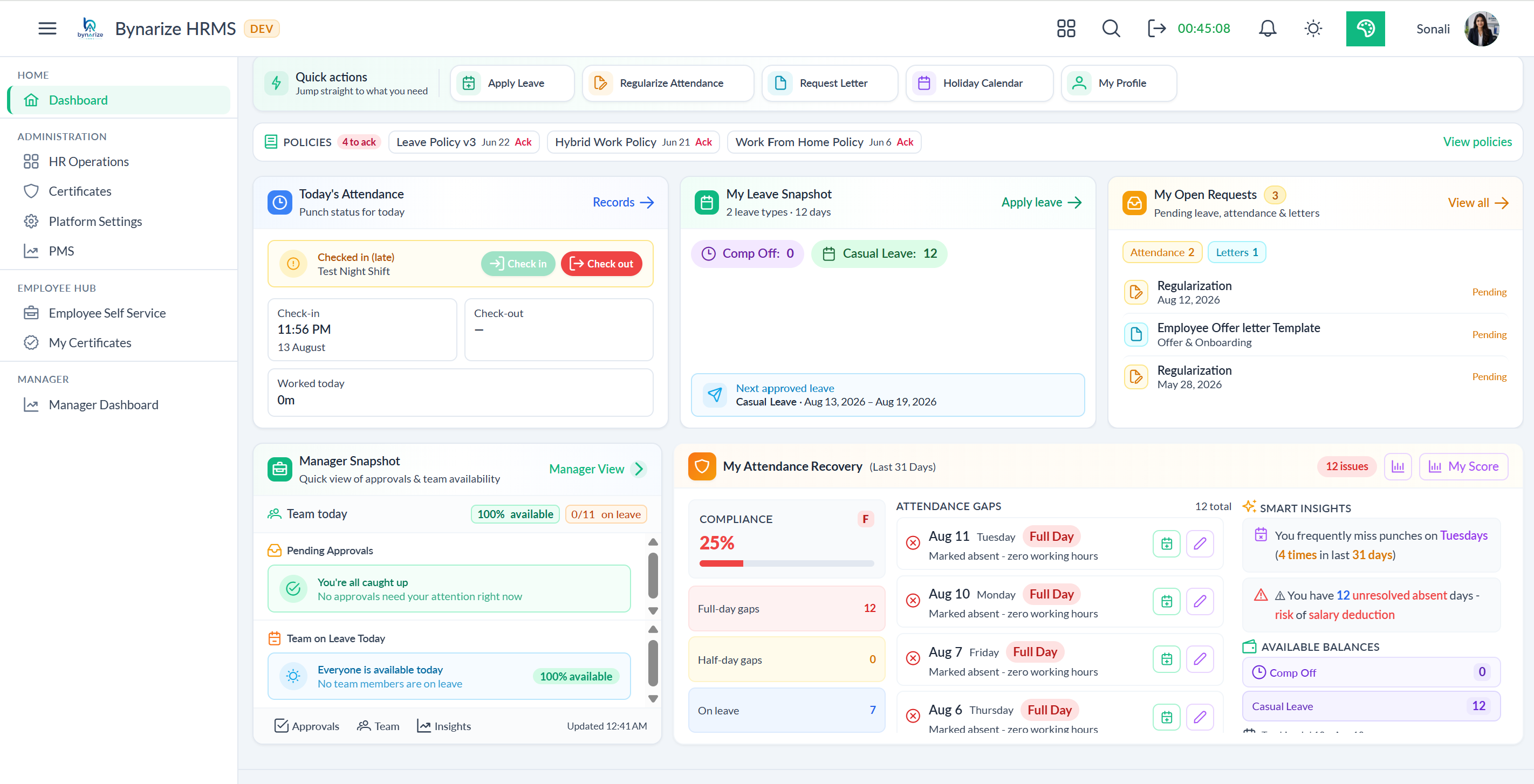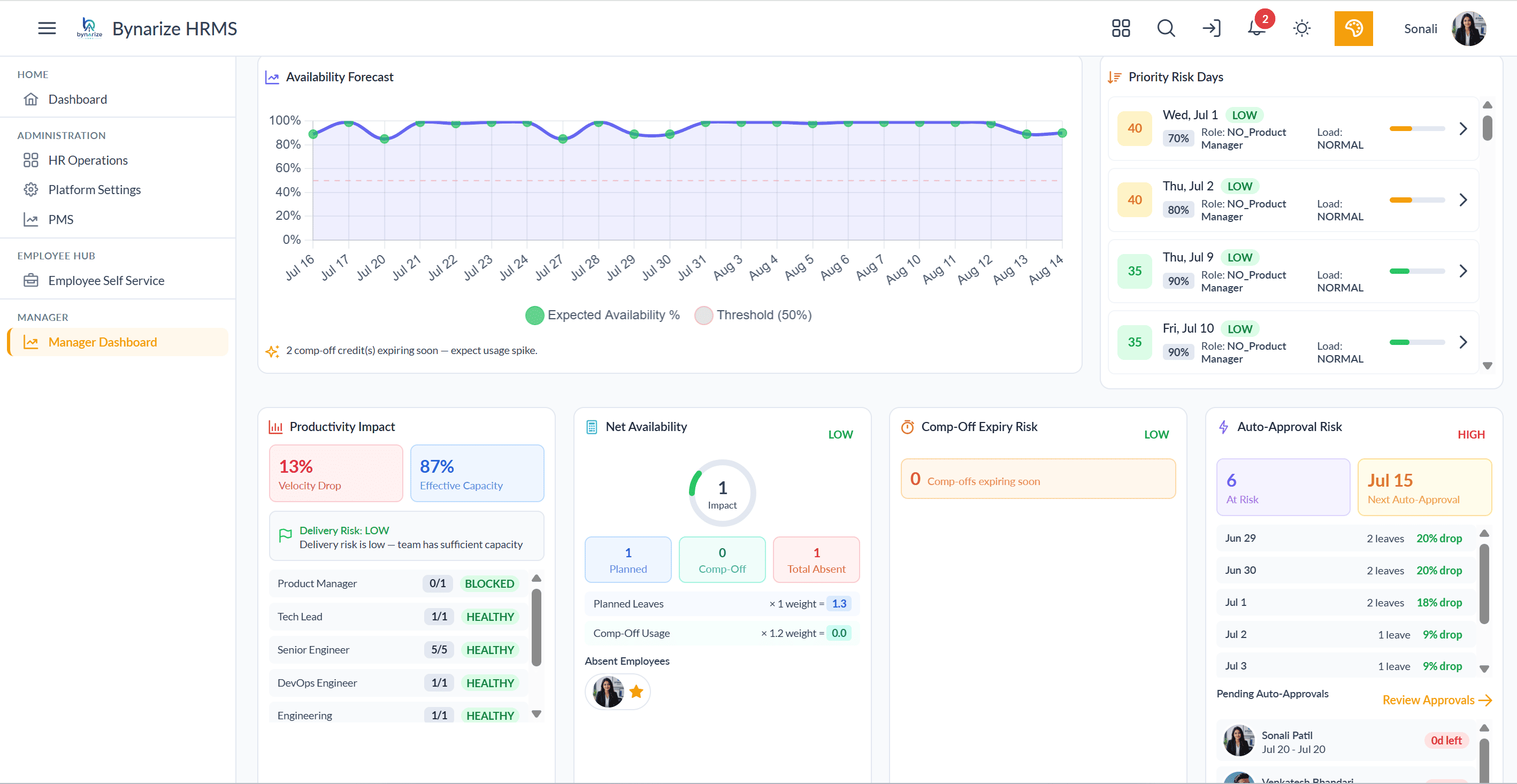
A nurse is rostered for tonight’s ICU shift. Her BLS card expired last Tuesday. The shared drive still has last year’s PDF. The roster tool never asked. After an incident, the auditor’s question is simple: “Was she allowed to work that night?” Upload folders cannot answer. Deployment gating can.
Storage is not permission to work
Most HRMS “certificate modules” are file cabinets: upload, optional expiry date, maybe a reminder email. Healthcare (NABH), BFSI (NISM/AMFI), construction safety cards and client site licences need something else - a rule that says “this role at this site requires X,” and a gate that refuses the shift, asset or site pass when X is missing, unverified or expired.
That is the difference between certificate management as compliance theatre and certificate-driven operational assurance.
What deployment gating must include
- Requirement engine - role + site + project rules (Track / Warn / Block).
- Human verification - AI may extract; only humans mark Verified.
- Nightly status movement - Active → Expiring → Grace → Expired without manual edits.
- Operational refuse - shift, asset issue or site visit blocked with a named reason.
- Evidence pack - hash-sealed proof for a named person on a named day.
Where gating pays for itself
Healthcare
NABH and clinical credentials that must stop an unqualified roster.
BFSI
NISM/AMFI and client-mandated certifications before customer-facing work.
Sites & plants
Safety cards and HT licences that must refuse a gate or asset.
Staffing / projects
Client audits that ask for workforce fitness before billing starts.
Reminder emails vs real gates
| Question | Upload + reminder | Deployment gating |
|---|---|---|
| Can they take tonight’s shift? | Roster ignores certs | Block with named reason |
| Was status true on that date? | Latest row only | Append-only evaluations |
| Expired last night | Still “Active” until someone edits | Nightly status sweep |
| Client wants proof in 48 hours | Folder hunt | Sealed evidence pack |
A certificate is a permission to work today. If expiry cannot refuse a deployment, you do not have compliance - you have storage with calendar invites.
Buyer questions that expose fake modules
- Publish a Block rule for a role + site. Show who is non-compliant without Excel.
- Expire a licence and attempt a shift assignment - does the system refuse?
- Ask who can mark Verified. “AI can” is a fail.
- Request last year’s evaluation snapshot for one employee.
Bynarize Certificate Management is built as a control tower: requirements, verification, expiry ladders, deployment gating, CPD and hash-sealed audit packs.
For operations and compliance leads: the expensive failure is not a missed reminder. It is an unqualified person on the floor. Gate first; file later.
See a blocked assignment with a named reason
Requirement. Expiry. Gate refuse. Sealed pack. Thirty minutes.